
Quick Answer
Don’t pay again yet. Your money is most likely not lost. Do these 4 things:
- Check your app’s transaction history and screenshot the transaction ID.
- Ask the merchant to check their merchant app or portal, not just their SMS.
- If it’s still missing, contact the bank or MFS app you paid from (not the brand on the QR sticker).
- If they don’t fix it, complain to Bangladesh Bank’s hotline 16236.
From December 1, 2026, a failed Bangla QR payment must be refunded to you automatically within 30 minutes, without you filing any complaint.
Updated 22 October 2026: added Bangladesh Bank’s Bangla QR changes from 1 October and the new person-to-person QR transfers that start on 1 November.
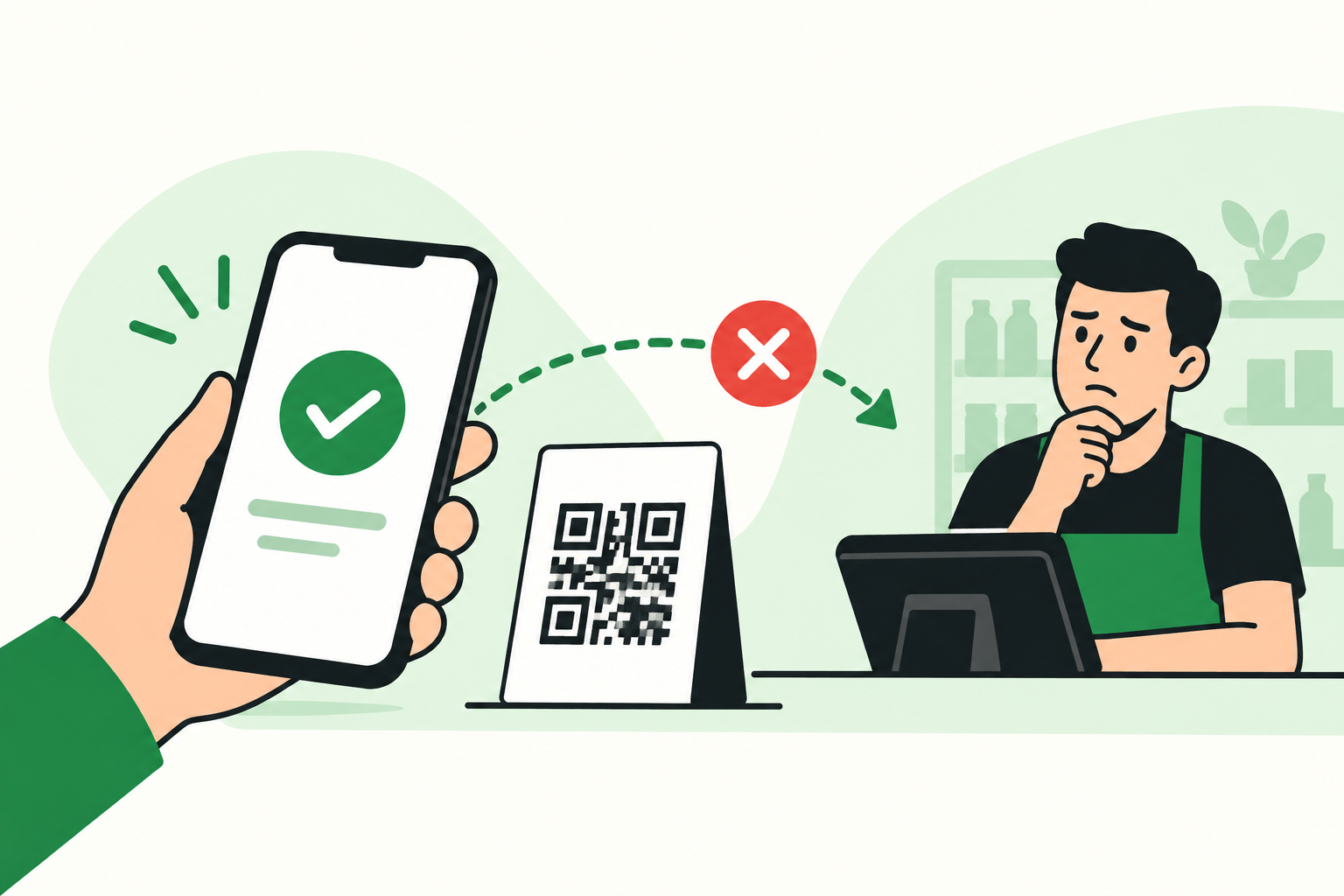
You scanned the QR, entered the amount, and your app says the money is gone. But the shopkeeper looks at their phone and says: “Payment ashe nai.”
It’s an awkward moment. The good news: this happens, it’s usually fixable, and there are now clear rules protecting you. This guide walks you through exactly what to do, in order, so you get your money sorted without paying twice.
First, What Does Your App Say?
Before doing anything else, open your bank or MFS app and look at the transaction status. Then find your situation below.
| Your app shows | What it probably means | What to do |
|---|---|---|
| Money deducted, status Pending / Processing | The payment is still on its way | Wait a few minutes and check again. Don’t pay again. |
| Money deducted, status Failed | The payment didn’t reach the merchant | The money should come back to you. Wait for the refund, then pay again. |
| Money deducted, status Successful | The money left your account, but something is stuck on the merchant’s side | Show the merchant your transaction ID. Both of you contact your own provider. |
| Money not deducted, status Failed | The payment never went through | You can safely pay again. |
| Money deducted twice | Duplicate payment | Contact your bank or MFS and ask for the extra amount back. |
Remember: money leaving your account does not always mean the merchant received it. That’s why you should never pay a second time until you know what happened to the first payment.
Step by Step: How to Fix It
Step 1: Don’t Pay Again (Yet)
The biggest mistake people make is paying a second time on the spot. If the first payment later goes through, you’ve paid double and now have to chase a refund.
Politely ask the merchant to give you a few minutes while you both check.
Step 2: Save Your Proof
Open your transaction history and take a screenshot showing:
- Transaction or reference ID (the most important one)
- Amount
- Date and time
- Transaction status
- Merchant name, if shown
If you can, also take a quick photo of the merchant’s QR code. It helps if there’s a dispute later.
Step 3: Ask the Merchant to Check Properly
Many shopkeepers only check SMS or push notifications, which can arrive late or not at all. Ask them to open their merchant app, dashboard, or account statement and look for:
- A payment matching your amount and time
- Any pending or rejected transaction
- A reference number that matches yours
Very often, the payment is actually there. It just didn’t show up as a notification.
Step 4: Contact the App You Paid From
This is where most people get confused. Contact the bank or MFS whose app you used to pay, not the company whose logo is on the QR sticker.
| You paid using | Contact |
|---|---|
| Your bank’s app (for example, City Bank or DBBL) | That bank |
| bKash app | bKash |
| Nagad, Rocket, Upay, or another MFS app | That MFS provider |
| Any other payment app | That app’s provider |
Example: You scanned a QR with a bKash logo, but you paid with your bank’s app. The money came out of your bank account, so your bank is the one to call. bKash can’t see your bank transaction.
Not sure why a bKash QR works with a bank app? We explain it further down.
Step 5: Tell Support Exactly What Happened
Saying “my QR payment isn’t working” leads to slow, generic replies. Give them the details upfront. You can copy and paste this message into live chat, email, or read it on the phone:
English:
“I made a Bangla QR payment of Tk [amount] to [merchant name] on [date] at around [time]. The money was deducted from my account, but the merchant says they haven’t received it. Transaction ID: [ID]. Please check whether this payment was successful, pending, or failed, and tell me when the money will be returned if it failed.”
বাংলা:
“আমি [তারিখ] তারিখে আনুমানিক [সময়] এ [মার্চেন্টের নাম]-কে Bangla QR এর মাধ্যমে [পরিমাণ] টাকা পেমেন্ট করেছি। আমার অ্যাকাউন্ট থেকে টাকা কেটে নেওয়া হয়েছে, কিন্তু মার্চেন্ট বলছেন তিনি টাকা পাননি। ট্রানজেকশন আইডি: [আইডি]। অনুগ্রহ করে পেমেন্টটি সফল, পেন্ডিং নাকি ব্যর্থ হয়েছে তা জানান, আর ব্যর্থ হলে টাকা কবে ফেরত পাব তা জানাবেন।”
Before you end the call or chat, ask for a complaint or reference number and keep it until your money is back.
Step 6: Escalate If Nothing Happens
If your provider doesn’t solve the problem, move up the ladder:
- Customer support of your bank or MFS (hotline, app chat, or branch)
- Complaint cell of that same bank or MFS (ask support how to reach it)
- Bangladesh Bank’s Customer Interest Protection Centre (CIPC): call 16236 during office hours on working days
Keep copies of everything: screenshots, reference numbers, and any replies you get. You’ll need them at each level.
New Rules: How Fast You Should Get Your Money Back
On September 27, 2026, Bangladesh Bank issued the Guidelines on Dispute Resolution for Bangla QR (Merchant Payment) Transactions (PSD-2 Circular No. 05). They take effect on December 1, 2026, and give customers clear deadlines for the first time.
| Situation | What the rules say |
|---|---|
| Money deducted, but the payment failed | Automatic refund in real time or within 30 minutes. You don’t need to file a complaint. |
| Time you have to raise a dispute | Up to 45 days from the transaction |
| You and the merchant use the same bank or MFS | Must be resolved within 3 working days |
| You and the merchant use different institutions | Handled through the national payment switch’s central dispute system. The full process must finish within 30 days. |
| Fraud, tampered QR code, or a payment you didn’t make | Investigation within 30 days, with refund or compensation if needed |
Banks and MFS providers that miss these deadlines or reject valid claims without good reason can face action from Bangladesh Bank.
Before December 1, 2026: refund times still depend on your bank or MFS provider’s own process, so follow up if your money isn’t back within a day or two.
What Else Changed in October and November 2026
Bangladesh Bank also announced changes that take effect on 1 October 2026, plus a new feature from 1 November 2026:
- Merchants get paid instantly. Since 1 October, money from a Bangla QR payment should reach the merchant’s account right away. So if your app says Successful and the merchant still sees nothing after a few minutes, contact the app you paid from instead of waiting.
- Lower costs for shops. The 1% minimum merchant fee that acquiring banks and MFS providers used to charge has been removed, and the issuer’s interchange fee is now zero.
- Send money to people by scanning a QR (from 1 November). You can transfer money to another person by scanning their Bangla QR, even if they use a different bank or MFS.
If a person-to-person QR transfer goes wrong, follow the same steps: don’t send it again, save the transaction ID, ask the receiver to check their account, and contact the app you paid from. The 30-minute refund and dispute rules above were written for merchant payments, so ask your provider how they handle person-to-person disputes.
Bangla QR is growing fast. According to The Daily Star, daily payments rose from about 1 lakh in June 2026 to about 3.5 lakh, worth around Tk 143 crore a day.
For Shop Owners: Tips to Avoid “Payment Ashe Nai” Problems
- Check your merchant app or statement, not only SMS. Notifications can arrive late.
- Ask your bank or MFS provider about your current fees. With the 1% minimum gone, Bangla QR may now cost you less than before.
- Keep your QR sticker clean and visible, and replace it if it is damaged or looks tampered with.
- Match the customer’s transaction ID with your records before saying a payment did not arrive.
Selling online too? See our guides to the best payment gateways in Bangladesh and digital wallets.
Why the Logo on the QR Doesn’t Decide Who You Contact
Bangla QR is Bangladesh’s shared QR payment system, run through the National Payment Switch Bangladesh (NPSB). The idea is simple: one QR code at the shop, and customers can pay it from any participating bank or MFS app.
So a shop might display a Bangla QR with a bKash logo, and you could still pay it from your bank app. In that case, the money flows like this:
Your bank app → Bangla QR network → Merchant
Not like this:
bKash app → bKash → Merchant
The logo only tells you which company set up the QR for the merchant. The app you paid with is where your money came from, so that’s who can trace it.
| Bangla QR | bKash | |
|---|---|---|
| What it is | A national QR payment system | A mobile financial service (MFS) company |
| Who can pay with it | Anyone using a participating bank or MFS app | bKash account holders, through the bKash app |
| Logos | Can carry the branding of the company that issued it | Its logo may appear on Bangla QR codes it provides to merchants |
6 Habits That Prevent QR Payment Headaches
- Check the merchant name your app shows before you confirm.
- Double-check the amount. One extra zero is easy to miss.
- Screenshot the confirmation for anything more than a small payment.
- Keep the transaction ID until you know the payment went through.
- For big payments, wait for the merchant to confirm before you leave the shop.
- Never pay twice in a hurry. Check the first payment first.
Frequently Asked Questions
Can I pay a bKash-branded Bangla QR with my bank app?
Yes, as long as your bank’s app supports Bangla QR. That’s the whole point of Bangla QR: one code that works across participating banks and MFS providers.
The QR had a bKash logo. Should I call bKash?
Only if you paid with the bKash app. If you paid with your bank’s app, call your bank. The logo doesn’t show where your money came from.
Will I get my money back if the payment failed?
Yes, a failed payment should be reversed to your account. From December 1, 2026, Bangladesh Bank’s new rules require this to happen automatically within 30 minutes, without a complaint from you.
Should I pay again if the merchant says they didn’t get it?
Not until you know what happened to the first payment. Check the status in your app first. Only pay again if the first payment clearly failed or wasn’t deducted.
My bank says the payment was successful, but the merchant still says no. Now what?
Give the merchant your transaction ID and ask them to check with their own payment provider. At the same time, ask your bank to investigate. The two sides need to match their records. Don’t pay again until this is sorted.
How long do I have to file a complaint?
Under the new rules, you can raise a dispute within 45 days of the transaction. But don’t wait: the sooner you report it, the easier it is to trace.
What is Bangladesh Bank’s complaint number?
Call Bangladesh Bank’s Customer Interest Protection Centre (CIPC) at 16236 during office hours on working days. Contact your own bank or MFS provider first, and keep your transaction ID and complaint reference number ready.
Can I send money to a friend with Bangla QR?
Yes. From 1 November 2026, you can send money to another person by scanning their Bangla QR, even if they use a different bank or MFS. Check the name your app shows before you confirm.
Quick Recap
If your Bangla QR payment was deducted but the merchant didn’t get it:
Don’t pay again → Screenshot the transaction ID → Merchant checks their app → Contact the app you paid from → Escalate to 16236 if needed
Stay calm. In most cases, the money is either already with the merchant or on its way back to you. And from December 1, 2026, the rules are firmly on your side.