Skip to content


Bangla QR payments are becoming increasingly common in Bangladesh. You can scan a merchant’s QR code using a participating bank or mobile financial service (MFS) app and make a payment without handling cash.
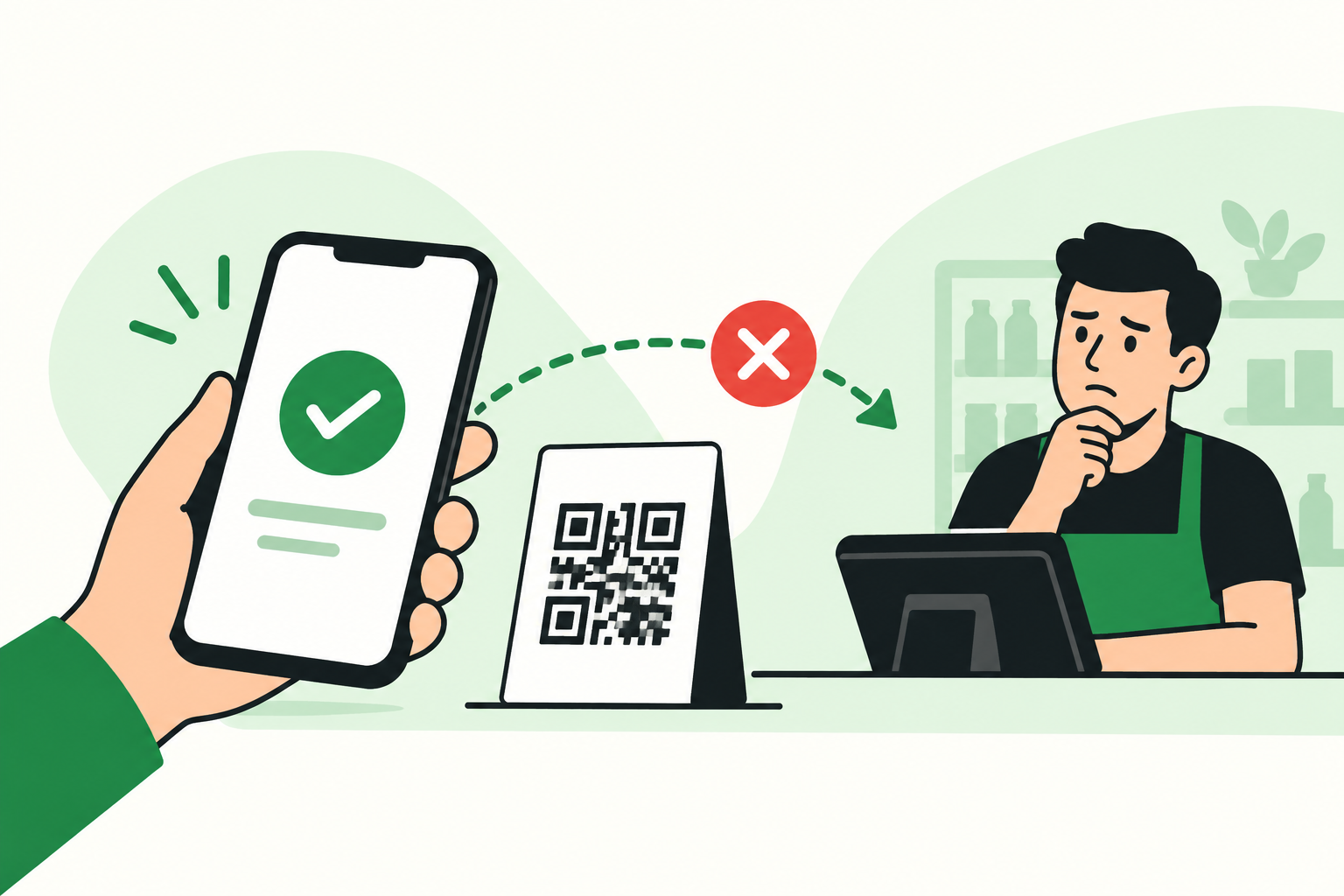
But what happens if the money is deducted from your account while the merchant says they haven’t received it?
This can be particularly confusing when the QR code carries the logo of a payment provider such as bKash, but you made the payment using your bank’s app.
The main idea is simple: instead of merchants needing separate QR codes for different payment providers, a Bangla QR can allow customers using participating bank and MFS apps to make payments through the same QR code.
The good news is that a failed or disputed Bangla QR transaction does not necessarily mean your money is lost. Here’s what you should do if you face this situation.
What Is Bangla QR?
Bangla QR is Bangladesh’s interoperable QR payment system, developed under the country’s National Payment Switch Bangladesh (NPSB).
Bangladesh Bank says customers can use bank apps or mobile wallets to scan Bangla QR and make payments. Full interoperability between banks, MFS providers and payment service providers was introduced through NPSB, expanding the ability to make payments across participating institutions.
This means the brand displayed on a QR code and the app you use to make the payment don’t necessarily have to be the same.
Does a bKash-Branded QR Mean You Have to Pay With bKash?
No, not necessarily.
This is one of the things that can cause confusion.
For example, imagine a restaurant displays a Bangla QR with bKash branding. You may be able to scan that QR using a participating bank’s app and make the payment directly from your bank account.
The payment could therefore look like this:
Your bank app → Bangla QR → Merchant
rather than:
bKash app → bKash → Merchant
So, if you see a bKash logo on a Bangla QR, don’t automatically assume that the payment must be made through the bKash app.
What matters is whether your bank or MFS app supports Bangla QR payments.
What If Your Money Is Deducted but the Merchant Doesn’t Receive It?
This is the situation where you need to be careful.
Suppose you scan a QR code, complete the payment and see that your account has been debited. However, the shopkeeper checks their system and says the payment hasn’t arrived.
Don’t immediately make another payment.
Instead, follow these steps.
1. Don’t Make a Second Payment Immediately
The first thing to do is avoid accidentally paying twice.
If your account has already been debited, the transaction may still be processing, or there may be an issue somewhere between the payment initiation and the merchant’s account.
Ask the merchant to wait while you check the transaction status.
2. Check Whether the Money Was Actually Deducted
Open your bank or MFS app and check the transaction history.
Confirm:
- Payment amount
- Date and time
- Transaction status
- Merchant information, if available
- Transaction/reference number
Take a screenshot of the transaction confirmation.
The transaction/reference number can be particularly useful when you contact customer support.
3. Ask the Merchant to Check Their System
The merchant should check their merchant account or payment portal rather than relying only on a notification on their phone.
Ask them to verify:
- Whether the payment was received
- Whether the transaction is pending
- Whether the transaction was rejected
- Whether the amount has been credited to their account
If the merchant has a transaction ID or reference number, compare it with the information shown in your app.
4. Contact the Bank or MFS You Actually Used to Make the Payment
This is perhaps the most important point.
Contact the institution from which you made the payment.
For example:
| You made the payment using | Contact first |
| A bank’s app | That bank |
| bKash app | bKash |
| Another MFS app | That MFS provider |
| Another participating payment app | That payment provider |
Don’t necessarily contact the company whose logo appears on the QR code.
For example, if you scanned a bKash-branded Bangla QR using your bank’s app, your bank is the appropriate first point of contact because your bank account was used to initiate the payment.
Bangladesh Bank’s customer complaint procedure similarly advises customers to initially raise banking/MFS-related complaints with their respective bank, finance company or MFS provider.
What Information Should You Give Customer Support?
When contacting your bank or MFS provider, have the following information ready:
- Transaction amount
- Date and approximate time
- Transaction/reference ID
- Your account or wallet information
- Merchant name
- Screenshot of the transaction
- Screenshot or photo of the QR code, if available
You can explain the problem simply:
“I made a Bangla QR payment. The amount was deducted from my account, but the merchant says they haven’t received it. Please check the transaction status and let me know whether it was successful, pending or failed.”
This is usually much more useful than simply saying that a QR payment isn’t working.
What Happens to the Money If the Payment Fails?
There are several possible outcomes.
Successful transaction
The merchant receives the payment and the transaction is completed.
Pending or unresolved transaction
The payment has not yet reached a final status. Your bank or payment provider may need to investigate it.
Failed transaction
The payment does not reach the merchant successfully. Depending on the transaction and applicable rules, the amount can be reversed to the customer’s account.
Reversed transaction
The previously debited amount is returned to the customer’s account.
Therefore, a debit from your account does not automatically mean that the merchant has received the money.
This is why checking the transaction status is important before making another payment.
Bangladesh Bank Has Introduced New Bangla QR Dispute Rules
Bangladesh Bank issued the Guidelines on Dispute Resolution for Bangla QR (Merchant Payment) Transactions on September 27, 2026.
The guidelines are designed to make the handling of Bangla QR payment disputes more transparent and customer-focused. They include provisions for automatic reversals for failed transactions, centralized dispute management and defined resolution timelines.
Bangladesh Bank’s circular list identifies the document as PSD-2 Circular No. 05, issued on September 27, 2026.
The guidelines are scheduled to take effect on December 1, 2026.
This is important because it establishes a more formal framework for situations where a customer’s account is debited but the merchant does not receive the payment.
Should You Pay the Merchant Again?
Not immediately.
If your first payment has already been deducted, first find out what happened to it.
Before making another payment, check whether:
- The first transaction was successful.
- The merchant actually received the money.
- The transaction is still pending.
- The transaction has been confirmed as failed.
- The amount has been reversed or refunded.
If the first payment is confirmed as failed and your bank tells you that the money will be returned, you can then make the payment again if necessary.
The main thing is to avoid creating a duplicate payment.
What If the Bank Says the Transaction Failed?
If your bank confirms that the transaction failed, ask:
- Has the amount been reversed?
- When should I expect the money back?
- Is there a reference number for the failed transaction?
- Do I need to submit a formal complaint?
- Can the bank confirm that the merchant did not receive the payment?
Keep the complaint/reference number until the money has been returned.
The exact time required for a reversal can vary depending on the institution and transaction circumstances, so don’t assume that every failed Bangla QR payment will be refunded within the same timeframe.
What If the Merchant Still Says They Didn’t Receive the Money?
If your bank says the transaction was successful but the merchant says they didn’t receive it, don’t simply pay again without resolving the discrepancy.
Give the merchant the transaction/reference information and ask them to check with their payment/acquiring provider.
At the same time, ask your bank to investigate the transaction.
The two sides may need to reconcile the transaction records.
What If Your Bank or MFS Provider Doesn’t Resolve the Problem?
Start with the institution you used to make the payment.
If the issue remains unresolved, Bangladesh Bank has a Customer Interest Protection Centre (CIPC) that accepts complaints involving banks, finance companies and MFS providers.
Bangladesh Bank says customers should first contact their bank/MFS provider and, if the matter remains unresolved, escalate it to the institution’s complaint cell. A complaint can subsequently be submitted to Bangladesh Bank’s CIPC. The CIPC hotline is 16236.
Keep copies of your transaction information and any response you receive from the bank or payment provider.
How to Avoid Problems With Bangla QR Payments
Bangla QR payments are convenient, but a few simple habits can make troubleshooting easier.
Check the merchant name
Before confirming the payment, check the merchant information shown by your payment app.
Check the amount carefully
Make sure the amount you enter matches the amount you are supposed to pay.
Save the confirmation
For important payments, take a screenshot or otherwise keep the transaction confirmation.
Keep the transaction ID
Don’t discard the transaction/reference number until you know the payment has been completed successfully.
For large payments, confirm receipt
If you’re making a large payment, ask the merchant to confirm that the money has arrived before leaving.
Don’t make a second payment too quickly
If your account has already been debited, investigate the first transaction before paying again.
Bangla QR vs. bKash: What’s the Difference?
The two terms can be confusing, but they aren’t necessarily referring to the same thing.
| Bangla QR | bKash |
| Bangladesh’s interoperable QR payment system | A mobile financial service provider |
| Designed to work across participating payment institutions | Provides its own payment and financial services |
| Can be used through participating bank/MFS apps | Payments can be made through the bKash app |
| A Bangla QR may carry a provider’s branding | bKash can provide/display merchant QR solutions |
Bangladesh Bank’s financial stability report describes Bangla QR as a unified national payment ecosystem and says customers can use bank apps or mobile wallets to scan the same Bangla QR.
So, a bKash logo on a Bangla QR doesn’t automatically mean that you made a bKash transaction.
The payment method you actually used matters.
Frequently Asked Questions
Can I use my bank app to pay through a bKash-branded Bangla QR?
Yes, where the bank app supports Bangla QR payments. Bangla QR is designed to support interoperable payments between participating banks, MFS providers and payment service providers.
What should I do if my account was debited but the merchant didn’t receive the money?
Don’t immediately pay again. Check your transaction details, ask the merchant to check their system, and contact the bank or MFS provider you used to make the payment.
Should I contact bKash if the QR has a bKash logo?
Not necessarily. If you made the payment using your bank’s app, start with your bank. The branding on the QR doesn’t necessarily identify the institution from which your payment was initiated.
Will I get my money back if a Bangla QR payment fails?
A failed transaction may be reversed, depending on the transaction and applicable rules. Bangladesh Bank’s new Bangla QR dispute-resolution guidelines specifically provide for automatic reversals for failed transactions.
Should I pay the merchant again if they say they haven’t received my payment?
Not until you know what happened to the first payment. Paying again before resolving the first transaction could result in a duplicate payment.
What is the Bangladesh Bank complaint number?
Bangladesh Bank’s Customer Interest Protection Centre can be reached at 16236 during office hours on working days for complaints or inquiries relating to banks, finance companies and MFS providers.
Final Thoughts
Bangla QR makes digital payments more convenient by allowing customers to pay merchants through participating banks and MFS providers. However, when a payment doesn’t immediately appear in the merchant’s system, it can be confusing—especially when the QR code carries the branding of a different payment provider from the app you used.
If your account has already been debited, don’t panic and don’t immediately make another payment.
Instead:
Check the transaction → Save the transaction ID → Ask the merchant to check → Contact the institution you used to make the payment → Wait for the transaction to be resolved or reversed.
And remember: the logo on the QR code doesn’t necessarily tell you which app or institution you used to make the payment.
As Bangladesh moves toward wider adoption of interoperable digital payments, knowing how to handle a failed or disputed QR transaction can save you both time and money.